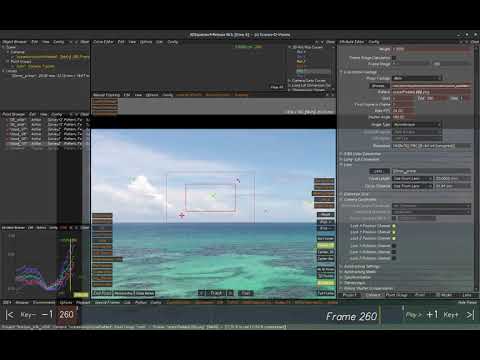
This course demonstrates and explains a lot of tips and techniques for better 2D tracking, the most basic and important skill in 3Dequalizer4 and matchmoving after all. Part 1 starts with very basic steps and explanations about the 2D Tracking point itself, 2D tracking engine and several parameters and options fundamentally important for understanding 2D Tracking in 3DEqualizer4. -------- Content: 1:00 - Basics of a 2D Tracking Point 4:20 - Tracking a feature (Tracking procedure, Center 2D) 6:59 - Point Status & Timeline Color 12:12 - End Point/ Delete Curve/ Remove Keyframe 14:46 - Tracking Direction (Forward/ Backward) 17:27 - Marker Tracker (Trackingmode, Gauge Marker, Extrapolate Marker) 20:54 - Edge/Corner Tracker 22:19 - Surfaces for Pattern Tracker 24:51 - Tracking Box Size 27:24 - Point Defaults (Default Tracking Box Size, Define Point Defaults) 29:52 - View Options (FOV, Motion Vector, Point Infos, etc.) -------- Official website: For any requests, bug reports or support needs, please reach out to us at "info@ ". Thanks for watching!
- 30808Просмотров
- 5 лет назадОпубликовано3DEqualizer
3DEqualizer4 [basic] - 2D Tracking: Part 1
Похожее видео

Популярное
Новини